
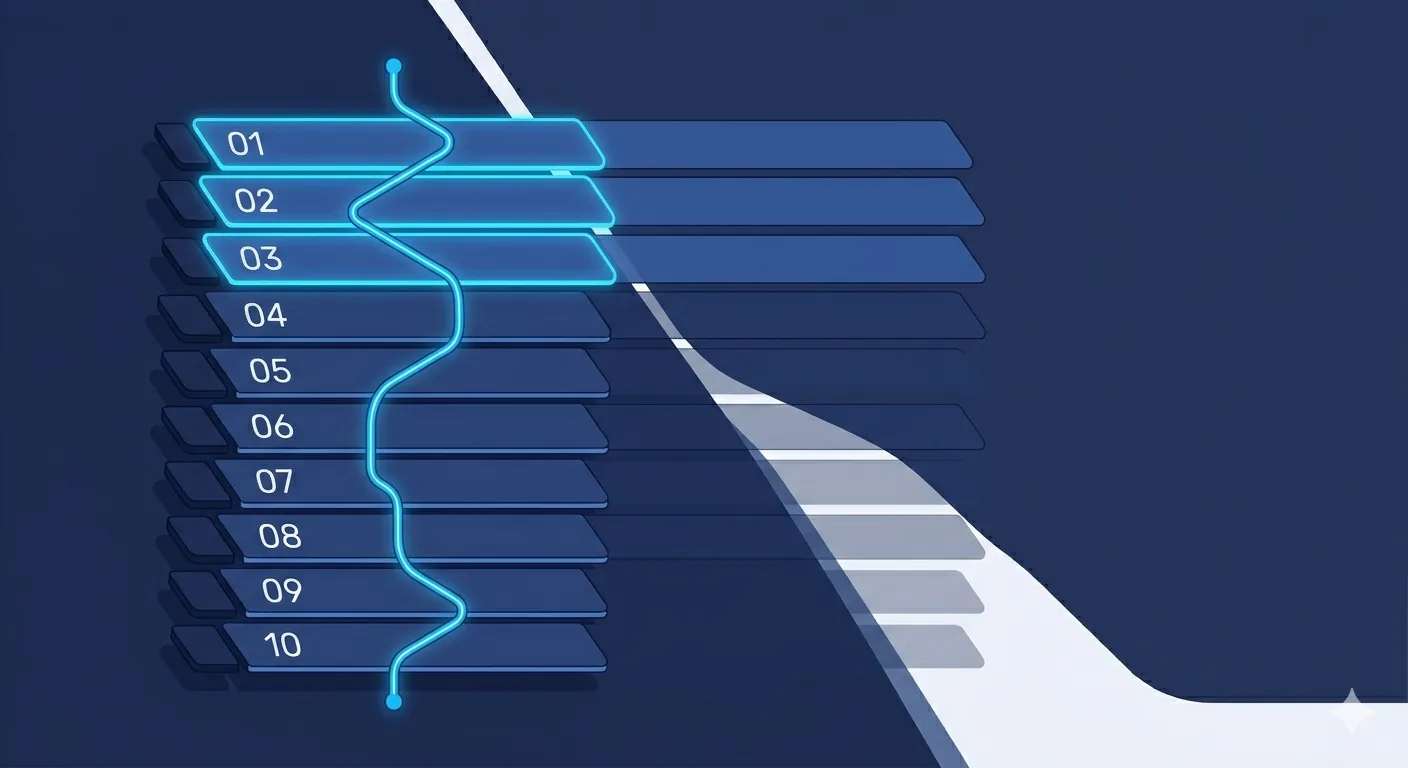
Across the 6 US and Canada staffing agencies we have automated in the last 18 months, the same 10 workflows show up on every time-tracking sheet. This post ranks them by hours saved per week, breaks down what each one does, and tells you what it costs to build. If you only ship one, ship the one at the top.
If you want to see what these workflows look like in production, read our case study of a 50-person US staffing firm that shipped 5 of these. For pricing and engagement, see our automation consultants page.
How we ranked these workflows
Each workflow is ranked on three dimensions: hours saved per week (the higher the better), complexity to build (easier ranks higher for first-time projects), and how AI-dependent it is (less AI dependency = safer, faster to ship). Hours are estimates for a 10-recruiter team; scale linearly with team size.
What are the 10 workflows worth automating?
1. Offer letter generation, e-sign, and ATS sync
Pain: Recruiters draft offer letters in Word, copy-paste from the ATS, send via email or DocuSign manually, then update the ATS after the fact. Errors happen, offers sit in drafts, ATS goes stale.
How it works automated: Recruiter sets candidate stage to "Verbal Accepted" in the ATS. n8n picks up the stage change, pulls candidate + role + client data, runs Claude or GPT to populate the right offer template, generates a PDF, sends to DocuSign with both signers configured, writes the envelope ID back to the ATS. When the candidate signs, another flow updates ATS stage and posts to Slack.
Hours saved: 12 hours/week per 10-recruiter team (45 min per offer × ~16 offers per week).
Complexity: Medium. Needs proper validation, dry-run mode, approval gates because offers are high-stakes.
Cost to build: USD 900 to 1,500.
2. Candidate follow-up sequences with AI personalization
Pain: Recruiters know they should follow up at 3, 7, and 14 days but drop the discipline when they get busy. Candidates go cold. Accept rates suffer.
How it works automated: n8n watches the ATS for candidates in specific stages (Submitted, Interview Scheduled, Offer Pending). For each candidate due for follow-up, Claude drafts a personalized email using the last conversation notes and the role context. Drafts go to the recruiter's Slack for one-click approval. Roughly 60% get auto-sent, 30% get edited, 10% get killed.
Hours saved: 10 hours/week per 10-recruiter team. Secondary benefit: 3 to 5 percentage points lift in candidate accept rates from consistent follow-up.
Complexity: Medium. AI quality is the variable; spend time on the prompt and the eval before going live.
Cost to build: USD 800 to 1,400.
3. Candidate intake auto-enrichment
Pain: Every new candidate needs LinkedIn pulled, GitHub scraped if technical, resume summarized, initial fit-scored against open requisitions. Manual work consumes 8 to 12 minutes per candidate.
How it works automated: Webhook from ATS or inbound form triggers n8n. The flow pulls public LinkedIn data, scrapes listed GitHub if relevant, runs Claude to write a one-paragraph summary into Recruiter Notes, and computes an initial fit score against current open requisitions using LLM-as-judge against the JD.
Hours saved: 8 hours/week per 10-recruiter team (assuming 5 to 8 new candidates per recruiter per day).
Complexity: Easy to medium. Risk is low because output is internal-only.
Cost to build: USD 600 to 1,200.
4. Client status update auto-emails (weekly)
Pain: Account managers spend Friday afternoons writing 8 to 15 client status emails by hand. Often skipped on busy weeks. Inconsistent client communication correlates with account churn.
How it works automated: Every Friday at 4 PM local time, n8n pulls each client's active requisitions plus candidates in motion. Claude writes a clean client-facing summary with next steps. Email queued for account manager's one-click Slack approval. 80% sent as-is, 20% edited.
Hours saved: 8 hours/week per 10-recruiter team. Secondary benefit: more consistent client touchpoints reduce churn.
Complexity: Medium. The Claude prompt for client-facing content needs careful design and human approval before sending.
Cost to build: USD 700 to 1,300.
5. Interview scheduling automation
Pain: Recruiters play email tag between candidate and client to find interview times. Calendly works for solo scheduling but not for 3-way coordination.
How it works automated: Once a candidate hits "Interview Requested" stage, n8n triggers a coordination workflow. Polls client's Google Calendar (or Outlook) for free slots, sends candidate a Cal.com or Calendly link scoped to those slots, books the meeting in both calendars, sends confirmation with prep materials, writes interview details back to the ATS.
Hours saved: 6 hours/week per 10-recruiter team (25 min saved per interview × ~14 interviews per week).
Complexity: Medium. Calendar API integration has edge cases (timezones, recurring meetings, declines).
Cost to build: USD 700 to 1,200.
6. Recruiter daily digest
Pain: Recruiters start their day scrolling through the ATS to figure out priorities. 15 to 20 minutes of low-value cognitive load before real work begins.
How it works automated: Every morning at 7:30 AM local time, n8n pulls each recruiter's ATS dashboard (candidates in motion, offers pending signature, interviews today, requisitions needing attention). Claude writes a 5-bullet personalized daily brief. Posted to recruiter's Slack DM with a priority callout.
Hours saved: 5 hours/week per 10-recruiter team. Bigger psychological win: recruiters start with clarity.
Complexity: Easy. Simple cron + ATS read + Claude.
Cost to build: USD 500 to 900.
7. ATS data hygiene jobs
Pain: Stale candidate records, missing fields, mis-tagged statuses pile up. Reporting becomes unreliable. Recruiters distrust the data.
How it works automated: Nightly batch jobs in n8n run ATS hygiene rules: flag candidates with no activity in 60 days, auto-archive after 120 days, find duplicate records and merge with human approval, auto-populate missing fields from public sources, fix common mis-categorizations using Claude.
Hours saved: 4 hours/week per 10-recruiter team (avoided weekly clean-up plus eliminated quarterly mass hygiene events).
Complexity: Medium. Merge logic needs human approval to avoid losing data.
Cost to build: USD 700 to 1,300.
8. Invoice and timesheet automation (contract staffing)
Pain: Contract staffing firms manually chase weekly timesheets from contractors, parse them, generate client invoices, send to AP, follow up on payment. Hours of finance ops every week.
How it works automated: n8n sends weekly timesheet requests via Slack or email, parses returned timesheets (PDF, Excel, or structured form), validates against agreed rates, generates client invoices in QuickBooks or Xero, sends to client AP with PO references attached, tracks payment status and auto-follows up on overdue invoices.
Hours saved: 4 hours/week per 10-recruiter team for the back-office team handling invoicing.
Complexity: Medium-high. Finance integrations need careful testing and an approval workflow.
Cost to build: USD 1,000 to 2,000.
9. Candidate reference check coordination
Pain: Reference checks happen at offer stage. Recruiters spend hours emailing references to schedule calls, then summarizing call notes back into the ATS.
How it works automated: When candidate stage moves to "References Requested", n8n collects reference contacts from candidate, sends standardized reference request emails, books reference calls into recruiter's calendar, transcribes recorded reference calls (with consent) and uses Claude to summarize into structured fields written back to the ATS.
Hours saved: 3 hours/week per 10-recruiter team.
Complexity: Medium. Recording/transcription needs explicit consent flow.
Cost to build: USD 700 to 1,200.
10. Placement onboarding kit automation
Pain: Once a candidate accepts, the onboarding kit (welcome packet, equipment order, client introduction email, first-week schedule, HR forms) is manually assembled and sent.
How it works automated: When stage moves to "Offer Signed", n8n triggers the onboarding kit workflow: generates welcome packet from template, kicks off equipment order to fulfillment vendor, drafts client intro email for account manager approval, schedules first-week check-ins in recruiter's calendar, sends candidate the HR forms and tracks completion.
Hours saved: 3 hours/week per 10-recruiter team. Better candidate experience pre-start date, lower no-show rate on day one.
Complexity: Medium. Many small integrations; works best after the first 3 to 4 workflows are stable.
Cost to build: USD 800 to 1,400.
Which workflows should you build first?
Three rules:
- Build the highest hours-saved workflow first IF it is not high-stakes. Offer letters save the most but are high-stakes; build the human-in-the-loop pattern there carefully. Many firms start with Candidate Follow-Up (#2) or Recruiter Daily Digest (#6) to debug the stack before tackling offer letters.
- Build 2 workflows in your first project, not 5. Proves the model internally, costs USD 1,500 to 2,500, ships in 4 to 6 weeks. Use the result to make the case for the next 3.
- Group workflows that share an integration. Workflows 1, 2, 6, 7 all heavily touch the ATS. Build them in the same project to amortize the ATS API authentication and rate-limit work.
What is the total time savings if you ship all 10?
For a 10-recruiter team: roughly 60 hours per week saved across the workflows. At a USD 55/hour loaded recruiter cost and 50 working weeks per year, that is USD 165,000/year of recruiter time freed.
Scaled to a 50-recruiter team: 300 hours/week saved, USD 825,000/year of time freed (gross; honest attributable P&L benefit is roughly 30% of that, or USD 250,000/year).
Total build cost for all 10 workflows: USD 7,500 to 13,000 across multiple projects spanning 6 to 9 months. The math works at any team size 10+; under 10 recruiters, prioritize the top 3 workflows.
What does the AI in these workflows actually do?
About 6 of the 10 workflows have AI in the loop (Claude or GPT). Most of the AI work is one of:
- Drafting personalized emails from candidate context and conversation history (workflows 2, 4)
- Summarizing conversation notes, reference calls, candidate background (workflows 3, 9)
- Classifying incoming candidates or tickets against open requisitions (workflows 3, 7)
- Extracting structured fields from unstructured documents like resumes or timesheets (workflows 3, 8)
- Generating digest content from ATS dashboard data (workflow 6)
The other 4 workflows are mostly rules-based logic, calendar API calls, and ATS field updates. Do not bolt AI on for marketing reasons; use it only where it earns its keep on accuracy or efficiency.
What are the common gotchas to avoid?
- Do not send AI-drafted candidate or client communications without human approval. The Slack one-click approval pattern is the standard. Workflows that auto-send to external parties without review create eventual embarrassment.
- Stage triggers in the ATS need clean stage hygiene. If recruiters use "Verbal Accepted" inconsistently, your offer letter workflow will fire wrong. Audit and clean up stages before automating.
- Rate limits on ATS APIs matter. Bullhorn, JobAdder, and others have hourly limits. Stagger workflow execution and use exponential backoff retry.
- Self-host n8n for cost predictability. Cloud n8n usage tiers scale fast when workflows fire hundreds of times per day. A Hetzner box at USD 8 to 30/month handles 5+ workflows comfortably.
- Document everything for handover. Workflows that nobody on the customer side understands drift into broken state within 6 months. Documentation, naming conventions, and runbook quality matter more than clever logic.
How do you start?
Send us a Loom or book a 30-min call. Describe how your recruiters spend their day, what your ATS is, and the top 3 things eating their time. We will return a workflow inventory with priority order and a fixed-price quote within 48 hours.
For more depth on the engagement, see our automation consultants page or the 50-person staffing firm case study. For the cost math by team size, see what recruiter admin actually costs your staffing agency. For the same five-workflow pattern applied to a different vertical, see AI workflow automation for fleet companies.