
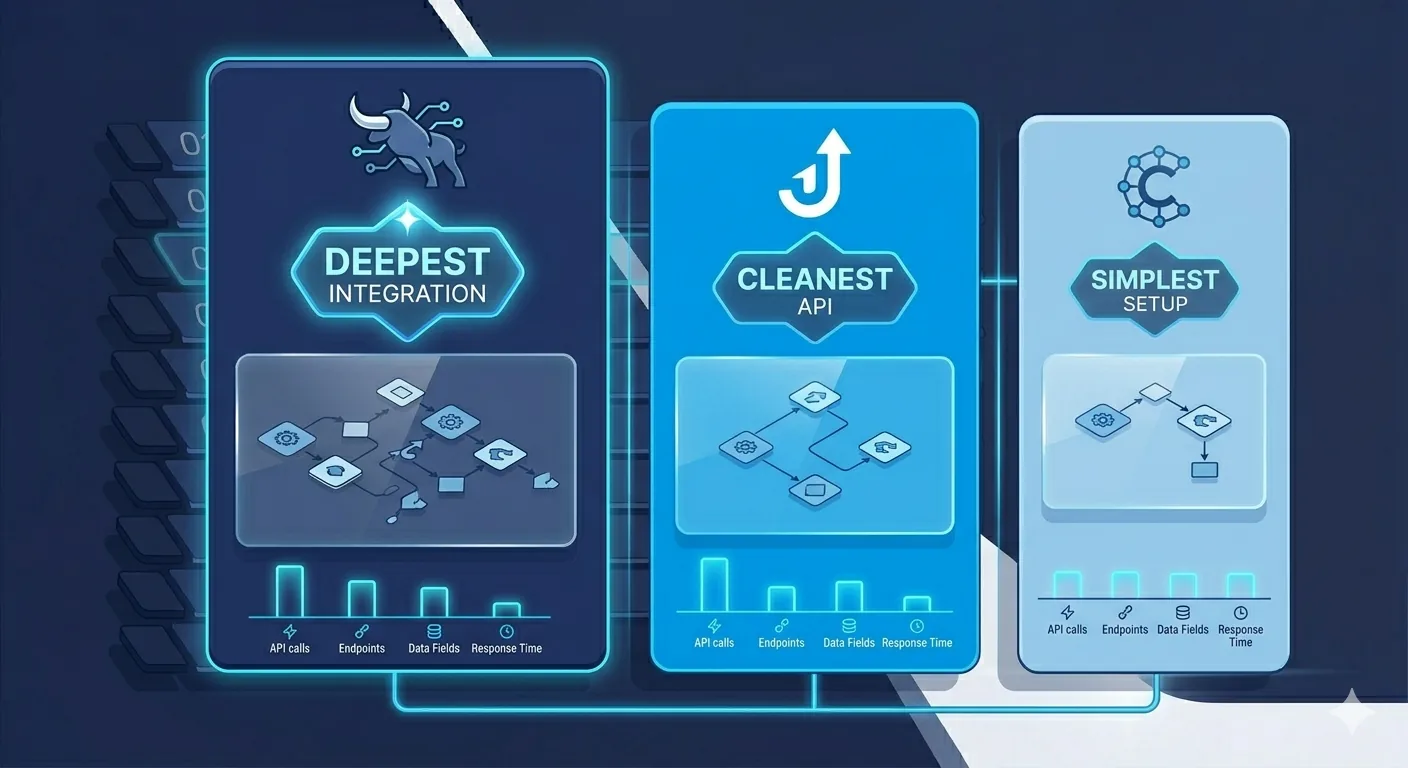
If you are running a 10 to 150 person staffing firm in US or Canada and trying to decide which ATS gives you the best automation runway, this post is the honest comparison. We have built production n8n + AI workflows on all three platforms in the last 18 months. The differences matter.
For broader context, read our 50-person staffing firm case study (Bullhorn) and our Bullhorn + n8n playbook. If you want to talk specifics, see our automation consultants page.
What are we comparing on?
For automation purposes, only 5 dimensions matter. Pricing, recruiter UX, and reporting are the marketing topics. Automation buyers care about:
- API surface depth: how many of your workflows you can actually automate without hitting a wall
- Auth complexity: how long it takes to get authenticated and how often you fight token issues
- Webhook reliability: can you trigger workflows on entity changes vs polling
- Rate limits: how much volume you can push before getting throttled
- Community + documentation: how much help is out there when you hit edge cases
How do the three ATS systems compare at a glance?
| Dimension | Bullhorn | JobAdder | Crelate |
|---|---|---|---|
| API surface | Deepest (REST + new GraphQL) | Strong REST, clean modern design | Good REST, narrower entity coverage |
| Auth complexity | High (OAuth + BhRestToken + corp context) | Medium (OAuth 2.0 standard flow) | Low (API key only) |
| Webhooks | Strong, slightly flaky timing | Strong, very reliable | Limited (some entities only) |
| Rate limits | 10 req/sec per token | ~10 req/sec, soft enforcement | ~5 req/sec, soft enforcement |
| Community / examples | Largest community | Medium, growing fast | Smallest |
| Custom fields | Heavy customization, every instance different | Standard fields + custom; cleaner model | Limited customization |
| Best for (team size) | 10 to 500+ recruiters | 5 to 100 recruiters | 2 to 25 recruiters |
| n8n build time (5-workflow cluster) | 8 to 12 weeks | 5 to 8 weeks | 4 to 7 weeks |
How does Bullhorn handle automation?
Strengths:
- Deepest API surface of the three. Almost any entity, field, or relationship is reachable. Custom fields, custom subtypes, and complex JobOrder/Placement/Candidate associations all work.
- Largest community and most third-party tooling. Stack Overflow, GitHub, and Bullhorn's own developer forum have answers for most edge cases.
- GraphQL endpoint launched in 2024 gives modern flexibility for complex reads.
- Webhooks support entity-level triggers (Candidate, Placement, JobOrder, ClientCorporation, Note).
Weaknesses:
- Auth is the most complex of the three. OAuth 2.0 to get an access token, then login to get a BhRestToken, then include the BhRestToken in every request. Tokens expire after 60 minutes; needs caching and refresh logic.
- Multi-corporation Bullhorn instances need corporation context headers; missing them returns confusing 401s.
- Custom fields are
customText1throughcustomTextN; labels users see are configured per instance. Hardcoding field IDs causes pain when configs change. - Webhook delivery is occasionally late (10 to 15 minute lag); polling fallback recommended for critical flows.
- Rate limit of 10 req/sec per token requires exponential backoff and batching for bulk operations.
Best for: 10 to 500+ person US/Canada staffing firms that need deep customization, multi-corporation support, or specific Bullhorn features (Pulse, Analytics, VMS Sync).
Build cost for 5-workflow cluster: USD 2,500 to 4,000, 8 to 12 weeks.
How does JobAdder handle automation?
Strengths:
- Cleanest modern REST API of the three. Logical resource naming, predictable JSON responses, sensible HTTP status codes.
- OAuth 2.0 standard flow without the BhRestToken second-step complexity. Get a token, use the token. Refresh tokens work as expected.
- Reliable webhooks across most entities (Candidate, Job, Placement, Note, User).
- Strong field model with proper custom field support and no
customText1obscurity. - Growing developer community; documentation is current and well-maintained.
Weaknesses:
- Smaller install base than Bullhorn means fewer community examples and less third-party tooling.
- Some advanced workflows (complex VMS integrations, certain reporting flows) are easier in Bullhorn.
- Multi-region considerations: JobAdder has separate AU, UK, NA tenants and you need to know which API host to call.
Best for: 5 to 100 person staffing firms that want the cleanest automation runway with less auth complexity. Strong fit for firms in Australia, UK, and growing US/Canada presence.
Build cost for 5-workflow cluster: USD 2,000 to 3,500, 5 to 8 weeks. Faster builds than Bullhorn because auth and field model are simpler.
How does Crelate handle automation?
Strengths:
- Simplest auth: API key in a header. No OAuth, no tokens, no refresh logic.
- Clean REST API for the entities it covers; easy to integrate with n8n in under an hour for basic flows.
- Fast time-to-first-workflow because the auth and setup overhead is minimal.
- Lighter price point makes it attractive for small firms where Bullhorn would be over-engineered.
Weaknesses:
- Narrower entity coverage. Some advanced workflows (complex multi-step placements, custom subtypes, deep VMS-style integrations) are harder or impossible.
- Limited webhook support compared to Bullhorn and JobAdder. Polling is often the fallback.
- Smallest community; fewer examples on Stack Overflow or GitHub. You will be more on your own for edge cases.
- Custom field flexibility is more limited; works fine for standard staffing workflows but constrains complex use cases.
Best for: 2 to 25 person staffing firms with straightforward workflows. Boutique or specialty staffing where the simpler ATS model fits the business. Firms switching from Excel/Trello that want the lightest entry point to a real ATS.
Build cost for 5-workflow cluster: USD 1,800 to 3,000, 4 to 7 weeks. Fastest builds of the three because of auth simplicity.
Which ATS should you pick if you are choosing fresh?
If automation is a top-3 criterion for ATS selection (and at any 10+ person firm in 2026, it should be):
- 50+ recruiters, complex placements, multi-corporation: Bullhorn. The depth is worth the auth complexity.
- 10 to 50 recruiters, clean modern stack, ANZ or UK origin: JobAdder. The cleaner API saves you 3 to 4 weeks on every automation build.
- 2 to 25 recruiters, simple workflows, boutique or specialty: Crelate. Fast time-to-value, low overhead.
- Hyper-growth startup staffing firm aiming for 100+ recruiters in 24 months: Bullhorn from day one. Migrating ATS later when you are at scale is painful; Bullhorn handles the trajectory.
Are there other ATS options worth considering?
Three more worth knowing about, briefly:
- RecruiterFlow: Modern, growing fast in mid-market US staffing. Clean API, strong automation primitives built into the product itself. Good pick for 10 to 75 person firms who want some automation native and the rest via n8n.
- Loxo: AI-first ATS, strong native sourcing tools. API is decent for n8n integration. Best fit for executive search and high-value placement work.
- Vincere: Strong in APAC and UK, growing in North America. Good API. Similar fit to JobAdder for clean modern automation.
We have built fewer workflows on these three (only 1 to 2 customers each) so the comparison above stays focused on Bullhorn, JobAdder, and Crelate.
How much does the ATS choice affect your automation budget?
Real numbers from our recent builds for a 5-workflow cluster (offer letters, intake enrichment, follow-ups, daily digest, client updates):
| ATS | Build cost | Build time | Why the difference |
|---|---|---|---|
| Bullhorn | USD 2,500 to 4,000 | 8 to 12 weeks | Auth complexity, custom field mapping, rate-limit defensive coding |
| JobAdder | USD 2,000 to 3,500 | 5 to 8 weeks | Cleaner API and webhooks reduce engineering time |
| Crelate | USD 1,800 to 3,000 | 4 to 7 weeks | API-key auth and simple data model speed up builds |
The cost difference is real but small relative to the value of the automations (USD 70K to 150K/year of recruiter time freed for a 50-person firm). Do not pick your ATS based on which is cheapest to automate; pick based on which fits your business, then build automations on top.
What if we have already picked Bullhorn (or already picked the wrong ATS)?
If you are already on Bullhorn or JobAdder, you are fine. Both are top-tier choices for automation. Build the automations and move on.
If you are on a smaller ATS (Crelate, smaller niche ATS) and are bumping into automation limits, the question is whether the cost of migrating ATS outweighs the cost of working around the limits. We have seen both decisions go either way:
- Stay on Crelate: if the automation gap is 1 to 2 workflows you can work around with creative scripting or Sheets-based bridges.
- Migrate to Bullhorn or JobAdder: if you have hit 3+ workflow walls and your team has grown past 30 recruiters. The 6 to 9 month ATS migration pain is worth the next 5+ years of clean automation runway.
How do you scope an ATS automation project?
The scoping is the same regardless of which ATS you are on:
- One-week time-tracking exercise. 5 to 8 recruiters log every task in 15-minute intervals. Identifies which workflows are eating the most time.
- API capability check. Verify the workflows you want to automate are technically possible on your ATS. Most are; some specific edge cases (real-time multi-tenant routing, deep VMS integration) might not be.
- Pick 2 workflows for the first project. Highest hours saved per dollar spent. Ship in 4 to 8 weeks.
- Decide on retainer vs project for ongoing work. Retainer if you have a continuous backlog. Project-by-project if you want to test fit first.
Where to go from here
If you are on Bullhorn, read the Bullhorn + n8n playbook for the technical detail.
If you are evaluating ATS choice and want to talk through the automation implications, send us a Loom or book a call. We have built on all three and can give you an honest read for your specific situation.
For the broader business case, read our recruiter admin cost calculator or the 50-person staffing firm case study. To see all the workflows worth automating, see 10 workflows every staffing agency should automate. To start a project, see our automation consultants page.