
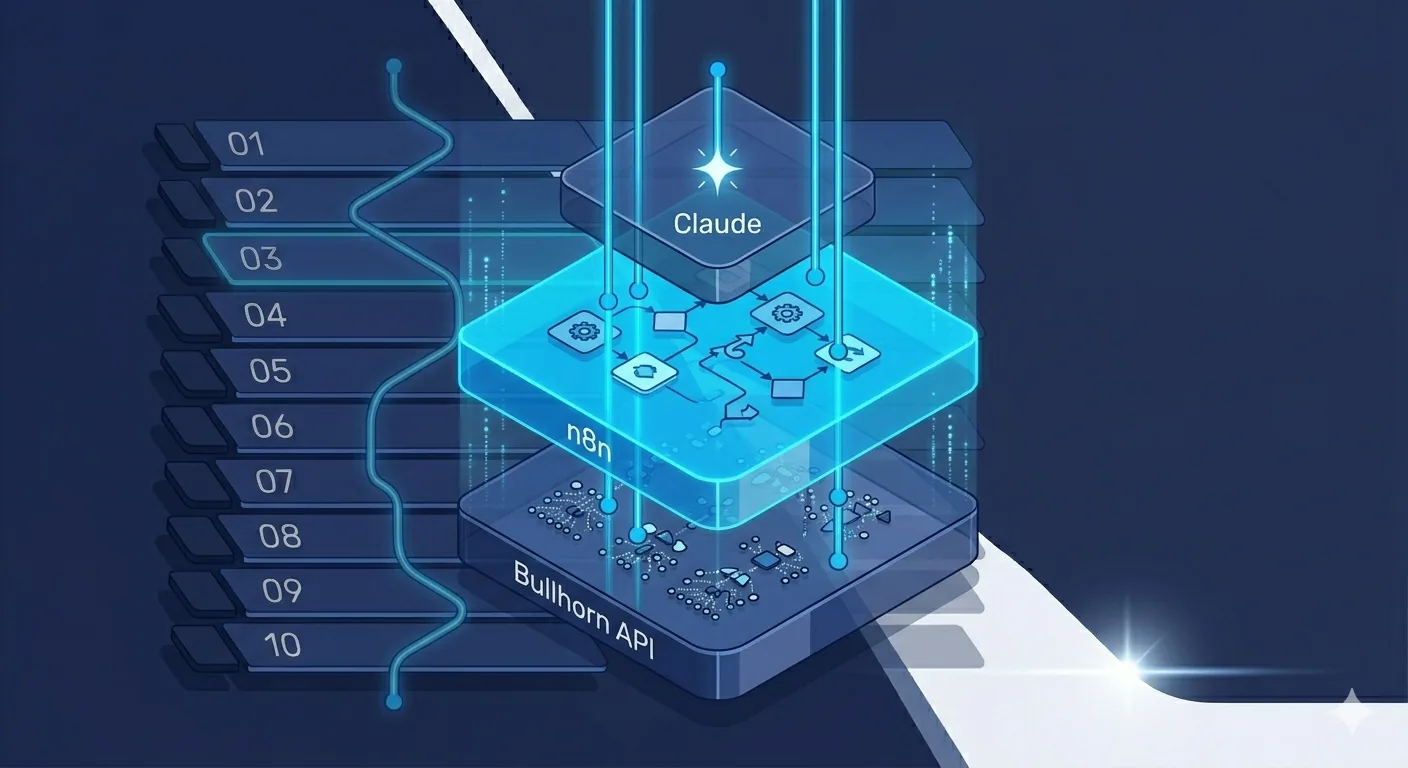
Bullhorn is the most common ATS for US and Canada staffing agencies in the 10 to 500 person range. It has a documented REST API, a newer GraphQL endpoint, and an active developer community. For n8n automation for staffing agencies built on Bullhorn, this stack is the cheapest and most flexible path to real production workflows at scale. This playbook is the technical guide for how to wire the two together.
If you want the business context first, read our case study of a 50-person US staffing firm that shipped exactly this stack. For broader automation tooling context, see our best workflow automation tools 2026 post. If you want us to build it for you, see our automation consultants page.
Why n8n automation for staffing agencies is the right pick on top of Bullhorn
Three reasons we consistently recommend n8n over Zapier or Make for Bullhorn-heavy workflows:
- Cost predictability. Bullhorn workflows fire frequently (hundreds of executions/day at a 50-recruiter firm). Zapier task pricing scales painfully past 5,000 tasks/month. n8n self-hosted on Hetzner runs USD 8 to 30/month regardless of execution count.
- Custom code nodes. Bullhorn's data model has edge cases (multi-corporation context, nested entity relationships) that the native Bullhorn integrations in Zapier and Make do not fully handle. n8n's Code node (JavaScript) gives you the escape hatch you need.
- Branching and error handling. Complex flows like offer letter generation need multi-step conditional logic, retries, and human-in-the-loop approval. n8n handles this natively; Zapier's filter steps get unwieldy past 3 conditions.
How do you authenticate Bullhorn with n8n?
Bullhorn uses OAuth 2.0 with an authorization-code flow. Two-step process:
- Register an API client in Bullhorn. Contact your Bullhorn account rep (or your customer support contact). They create an API client and give you a Client ID, Client Secret, Username, and Password for service-account authentication. The Username and Password are for a dedicated service account, not a real user.
- Configure OAuth in n8n. Use the HTTP Request node with OAuth2 authentication. Authorization URL:
https://auth-{region}.bullhornstaffing.com/oauth/authorize. Token URL:https://auth-{region}.bullhornstaffing.com/oauth/token. Scope: leave blank for default. Your region is usuallywest,east, oruk; check your Bullhorn login URL.
Once OAuth is wired, you need two additional steps before making API calls:
- Login to get a BhRestToken. POST to
https://rest-{region}.bullhornstaffing.com/rest-services/loginwith the access token. The response gives you a BhRestToken and the REST URL for your corporation. - Use the BhRestToken in subsequent requests via the
BhRestTokenheader. The token expires after 60 minutes of inactivity; refresh by re-logging when needed.
Wrap this in an n8n sub-workflow that other workflows call to get a fresh BhRestToken on demand. Reuse the token across calls within the same execution context.
What are the top 5 Bullhorn workflows to automate?
Workflow 1: Offer letter generation + DocuSign + Bullhorn sync
Trigger: Bullhorn webhook on Placement entity creation, OR webhook on Candidate stage change to "Verbal Accepted".
n8n flow:
- HTTP Request: Get fresh BhRestToken via login sub-workflow
- HTTP Request: GET
/entity/Placement/{id}with fieldscandidate, clientCorporation, jobOrder, dateBegin, salary, employmentType, customText1-5 - Switch node: Route to correct offer template based on
employmentType(perm vs contract W-2 vs contract 1099) - OpenAI/Anthropic node: Run Claude to populate the template variables and produce final letter text
- HTML to PDF node: Generate PDF
- HTTP Request: POST to DocuSign API to create envelope with both signers (candidate + client contact)
- HTTP Request: PUT
/entity/Placement/{id}to write DocuSign envelope ID to a custom field - HTTP Request: POST to Slack with the offer summary and DocuSign tracking link for the recruiter
Common gotcha: Bullhorn placement records sometimes have employmentType blank for new placements. Add a validation step that pauses the workflow and posts to Slack for manual completion if critical fields are missing.
Workflow 2: Candidate intake enrichment
Trigger: Bullhorn webhook on Candidate entity creation OR n8n cron polling for new candidates added in the last 15 minutes.
n8n flow:
- GET candidate record with fields
firstName, lastName, primarySkills, email, customText1 (LinkedIn URL), category - If LinkedIn URL is present, call a LinkedIn scraping service (Bright Data, ScraperAPI, or your own) to enrich
- If candidate is technical (category contains "Engineer" or "Developer"), check for GitHub URL and pull contribution stats
- Claude node: Summarize the enriched profile into a 1-paragraph Recruiter Notes entry
- GET open JobOrder records in the same primarySkills category
- Claude node: Run LLM-as-judge to score the candidate against the top 5 open JobOrders (return JSON with score and reasoning)
- PUT to update candidate's Recruiter Notes field with the summary + top match suggestions
- Optional: Auto-tag with the top 1-2 matching JobOrders via the Candidate-Order association endpoint
Common gotcha: The Bullhorn primarySkills field is a free-text array, not a controlled vocabulary. Normalize it with Claude before matching against JobOrders.
Workflow 3: Candidate follow-up sequences with AI personalization
Trigger: n8n cron every weekday at 9 AM local time.
n8n flow:
- GET candidates in stages [Submitted, Interview Scheduled, Offer Pending] with
dateLastModifiedolder than 3, 7, or 14 days respectively - For each candidate, GET their most recent Note records to pull conversation context
- GET the associated JobOrder for context on the role they are up for
- Claude node: Draft a personalized follow-up email using the conversation context and role context
- Post the draft to the recruiter's Slack DM with approve/edit/kill buttons
- On approval: Send via Gmail or Outlook integration, then PUT a Note record back to Bullhorn logging the follow-up
Common gotcha: Notes endpoint expects personReference as an entity reference, not just an ID. The exact format is {"id": 12345, "_subtype": "Candidate"}.
Workflow 4: Recruiter daily digest
Trigger: n8n cron every weekday at 7:30 AM local time.
n8n flow:
- For each active recruiter (filter Users by isDeleted=false and recruiterRole=true):
- GET their Candidates with stage IN motion (custom filter set)
- GET their Placements with status="Approved" but no signed offer yet
- GET interviews scheduled for today
- GET their JobOrders with no submissions in the last 7 days
- Claude node: Synthesize a 5-bullet personalized daily brief with a priority callout
- Post to the recruiter's Slack DM
Common gotcha: Bullhorn's Custom Filter ID (savedSearch) is the easiest way to define "candidates in motion" without re-implementing the query logic in n8n. Have the recruiting team save a Custom Filter once, reference it from n8n.
Workflow 5: Client status update auto-emails
Trigger: n8n cron every Friday at 4 PM local time.
n8n flow:
- GET all ClientCorporation records with active JobOrders (status=Active)
- For each client, GET active JobOrders + Submissions in the last 7 days + Placements in progress
- Claude node: Synthesize a client-facing status email per account, with next steps and a candidate pipeline summary
- Queue each email in the account manager's Slack with approve/edit/kill buttons (group by account manager)
- On approval: Send via Gmail or Outlook, log a Note record back to the client account in Bullhorn
Common gotcha: ClientCorporation records often have multiple ClientContact records (the actual people you email). Pick the primary or use the contact most recently associated with the open JobOrders.
What about Bullhorn rate limits?
Bullhorn imposes a rate limit of roughly 10 requests/second per access token. For batch operations or workflows running concurrently you will hit this. Standard mitigations:
- Exponential backoff in n8n HTTP Request nodes. Settings → Retry On Fail → enable, with 5 retries and exponential interval starting at 1 second.
- Stagger workflows that hit Bullhorn simultaneously. If your daily digest and intake enrichment both run at 7:30 AM, push the digest to 7:35 AM to avoid the simultaneous burst.
- Batch entity fetches where possible. Use
/query/Candidateto fetch multiple candidates in one request instead of N/entity/Candidate/{id}calls. - Cache the BhRestToken for its 60-minute TTL so you are not logging in for every workflow execution.
Should you use REST or GraphQL?
Bullhorn launched a GraphQL endpoint in 2024. As of 2026 it is stable but not feature-complete. Use GraphQL when:
- You need to fetch multiple related entities in one round-trip (e.g., Candidate + their Notes + associated JobOrders)
- You want to reduce API calls and stay under rate limits
- The entities you need are supported in GraphQL (most common ones are; some custom fields and edge entities are REST-only)
Use REST when:
- You need to write data (GraphQL is still primarily read-focused in Bullhorn)
- You need a specific entity type or custom field not yet in GraphQL
- You want maximum documentation coverage; REST has more community examples
Most production workflows use a hybrid: GraphQL for complex reads, REST for writes.
What are the most common mistakes that break Bullhorn integrations?
- Forgetting the corporation context. Multi-corporation Bullhorn instances need the
corporationIdheader in every request. Single-corporation instances do not. Missing it on a multi-corp instance returns mysterious 401s. - Stale BhRestToken. The token expires after 60 minutes of inactivity. Long-running workflows or cron jobs that fire infrequently will hit this. Always refresh on a 401 response, then retry.
- Bulk updates that hit rate limits. Updating 500 candidates in a tight loop without batching or backoff will get throttled. Use
/querywith batched POSTs or add Sleep nodes in n8n. - Webhook signature verification skipped. Bullhorn webhooks include a signature header. Verify it server-side or risk processing spoofed webhooks. n8n's Webhook node makes this easy if you remember to enable it.
- Custom field IDs vs labels. Bullhorn custom fields are
customText1,customText2, etc internally. The labels users see are configured per-instance. Map labels to field IDs in one place in n8n; do not hardcode field IDs across 5 workflows. - Webhook URLs without authentication. n8n webhook URLs are public by default. Use n8n's webhook authentication (header or basic auth) so Bullhorn cannot be impersonated.
- Timezone confusion. Bullhorn dates are typically UTC. Recruiters see them in local time in the UI. Be explicit about timezone conversion in n8n flows.
How do you handle Bullhorn API downtime?
Bullhorn has rare but real downtime. Three patterns we use:
- Sentry on every Bullhorn HTTP node. Errors get surfaced to a dedicated Slack channel within seconds.
- Dead-letter queue. Failed workflow executions go to an n8n error workflow that writes the payload to a Postgres table for later replay.
- Status page check before critical workflows. Workflows that send outbound (offer letters, client emails) check Bullhorn status before firing. If down, pause and alert.
What does this cost to build and run?
| Item | Cost |
|---|---|
| 5-workflow cluster build (scoping + dev + handover) | USD 2,500 to 4,000 (8 to 12 weeks) |
| n8n self-hosted on Hetzner CPX21 | USD 8/month |
| Claude Sonnet API (1,500 to 3,000 calls/day) | USD 80 to 200/month |
| Sentry observability | USD 30/month (or free tier for small teams) |
| Maintenance retainer (optional) | USD 800 to 2,000/month |
Total first-year cost for a 5-workflow Bullhorn automation: roughly USD 5,000 to 9,000 including ongoing infra and AI API. Compare against USD 412K to USD 2M of annual recruiter admin cost (depending on team size); the math is uncomfortable to look at.
How do you get started?
If you want to build this yourself, start with one workflow (Daily Digest is the lowest-stakes) to debug the n8n + Bullhorn OAuth + Claude stack. Once that ships, you have the auth and API patterns; each subsequent workflow takes half the time.
If you want us to build it for you, send a 20-minute Loom or book a call. We will scope a project with fixed price within 48 hours. Most Bullhorn + n8n builds we ship are 5-workflow clusters delivered in 8 to 12 weeks for USD 2,500 to 4,000.
For broader context: automation consultants page, 50-person staffing firm case study, 10 workflows every staffing agency should automate, and the upcoming Bullhorn vs JobAdder vs Crelate comparison for ATS choice.